

Price: $19.99
(as of Jun 24, 2026 16:24:24 UTC – Details)
Product description


First-Time Configuration
Automatic WiFi Connection: Upon power-on, the device attempts to connect to the previously configured WiFi network. If connection fails after 15 seconds, it automatically enters configuration mode.
Access Point Setup: Search for the free access point named nmap-2.4g (no password required).
Configuration Interface:
Mobile devices: You will be automatically redirected to the configuration page
PC/Desktop: Navigate to 192.168.4.1 in your web browser
Parameter Configuration: Configure your mining parameters following the on-screen instructions. Note that higher UI refresh values result in increased hash rates, and hash rates also improve when the display is turned off.
Accessing Configuration: You can return to the configuration page at any time using the button controls.
Saving Settings: After clicking Save, allow 10-15 seconds for the process to complete. Do not manually reset the device; it will restart automatically.
Manual Configuration Mode
For single button boards:
Long press the boot button
For dual button boards:
Long press the user button
Follow the First-Time Configuration steps.

Note: Product requires self-assembly.
Using NMMiner Flash Tool
Step 1: Open the NMMiner Flash Tool in Chrome or Edge browser.
Step 2: Select your board model and initiate the firmware update. The tool will automatically:
Download the latest firmware version from GitHub
Configure flash parameters for your specific board
Firmware Activation
Step 1: After flashing the firmware, obtain your license following the on-screen instructions.
Step 2: Copy the license string into the license code field and click the activation button. Successful activation will display a confirmation message.
Step 3: For first-time installations, configure basic settings as shown below. Alternatively, you can configure these settings later using the button controls.
Step 4: Your miner is now ready to use!
Add to Cart
Add to Cart
Add to Cart
Price
$19.99$19.99 $73.99$73.99
— no data
$12.99$12.99
— no data
— no data
Screen size
2.8inch 0.96inch 3.5inch 1.54inch 2.8inch 1.9inch
Does it require assembly
Requires assembly No assembly required Requires assembly No assembly required No assembly required No assembly required
Hashrate
1000kh/s 1.2TH/s 1000kh/s 1060kh/s 1060kh/s 250kh/s

Q&A
Q1. Does it stop loading at 80%?
Answer: You need to switch to this mining pool: stratum+tcp://pool.btcnode.au:2018 (Note: No spaces before or after)
Q2. How do I change the wallet?
Answer: After connecting to Wi-Fi, change the mining pool, then replace the wallet under the BTC address section below the mining pool.
Q3: Are you unsure about the purpose of the four interface cables included in the package?
Answer: If you are a professional requiring software version updates or flashing, this cable is necessary for connection. If you are a mining enthusiast or beginner, this cable is not required and can be ignored.
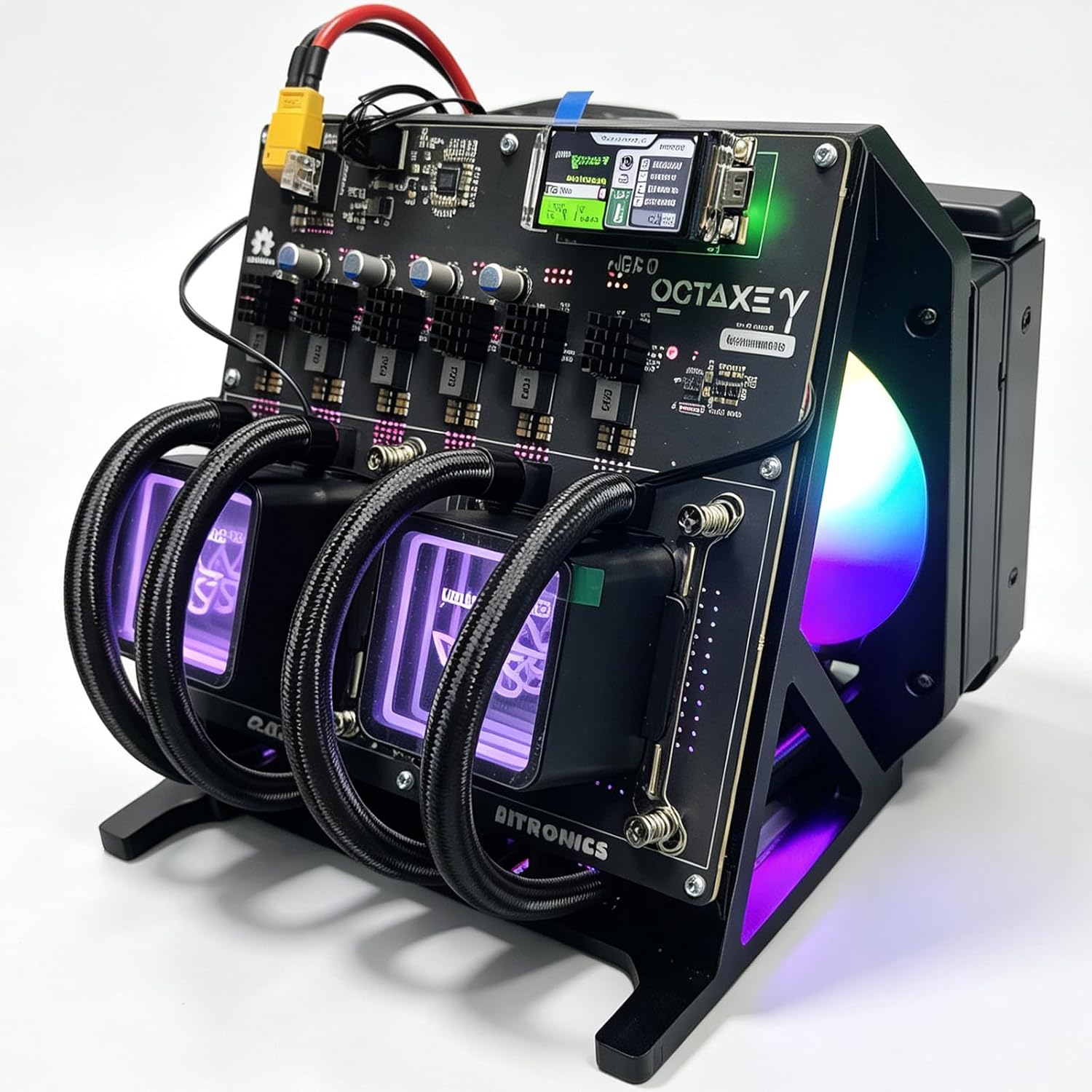
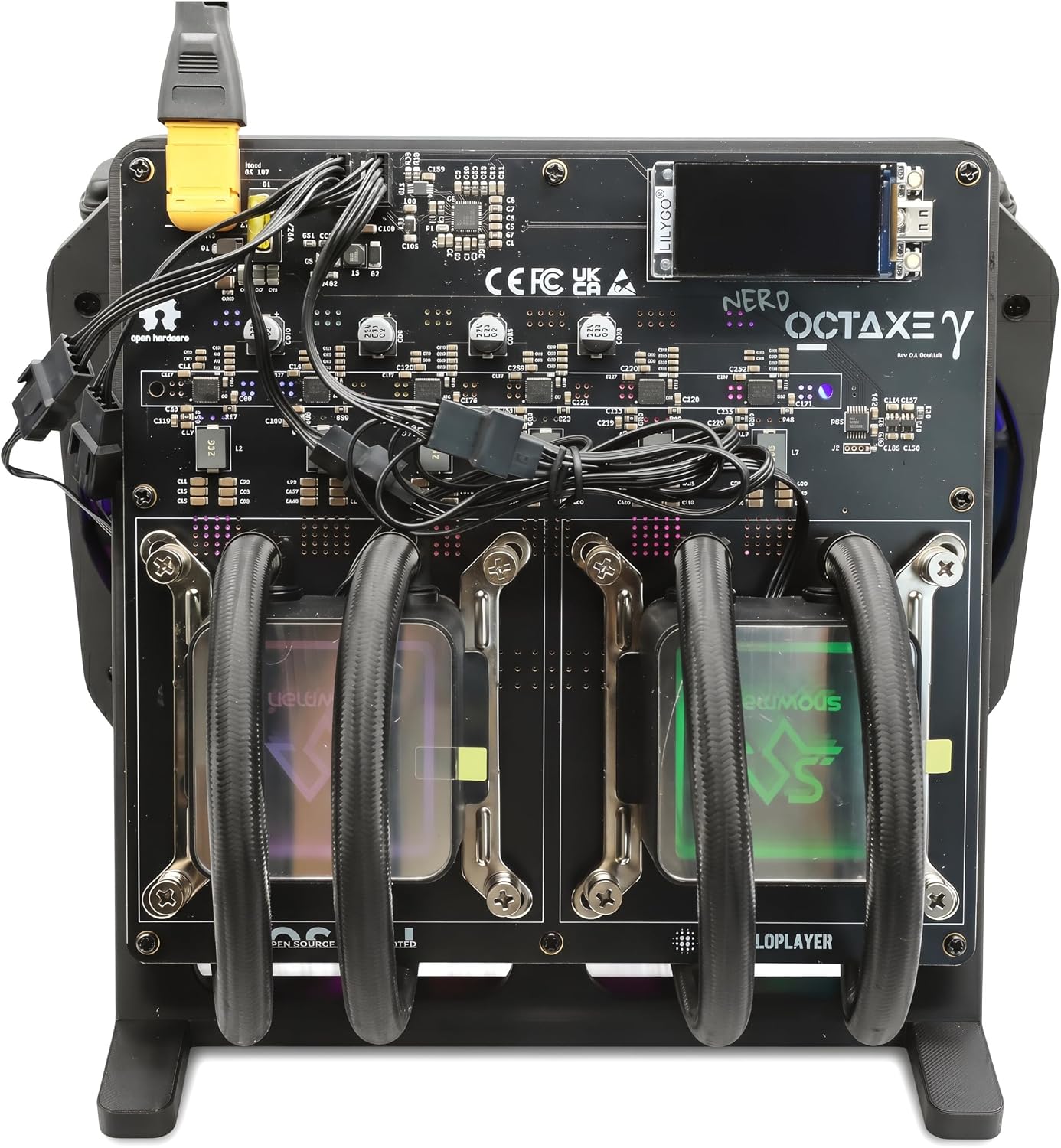
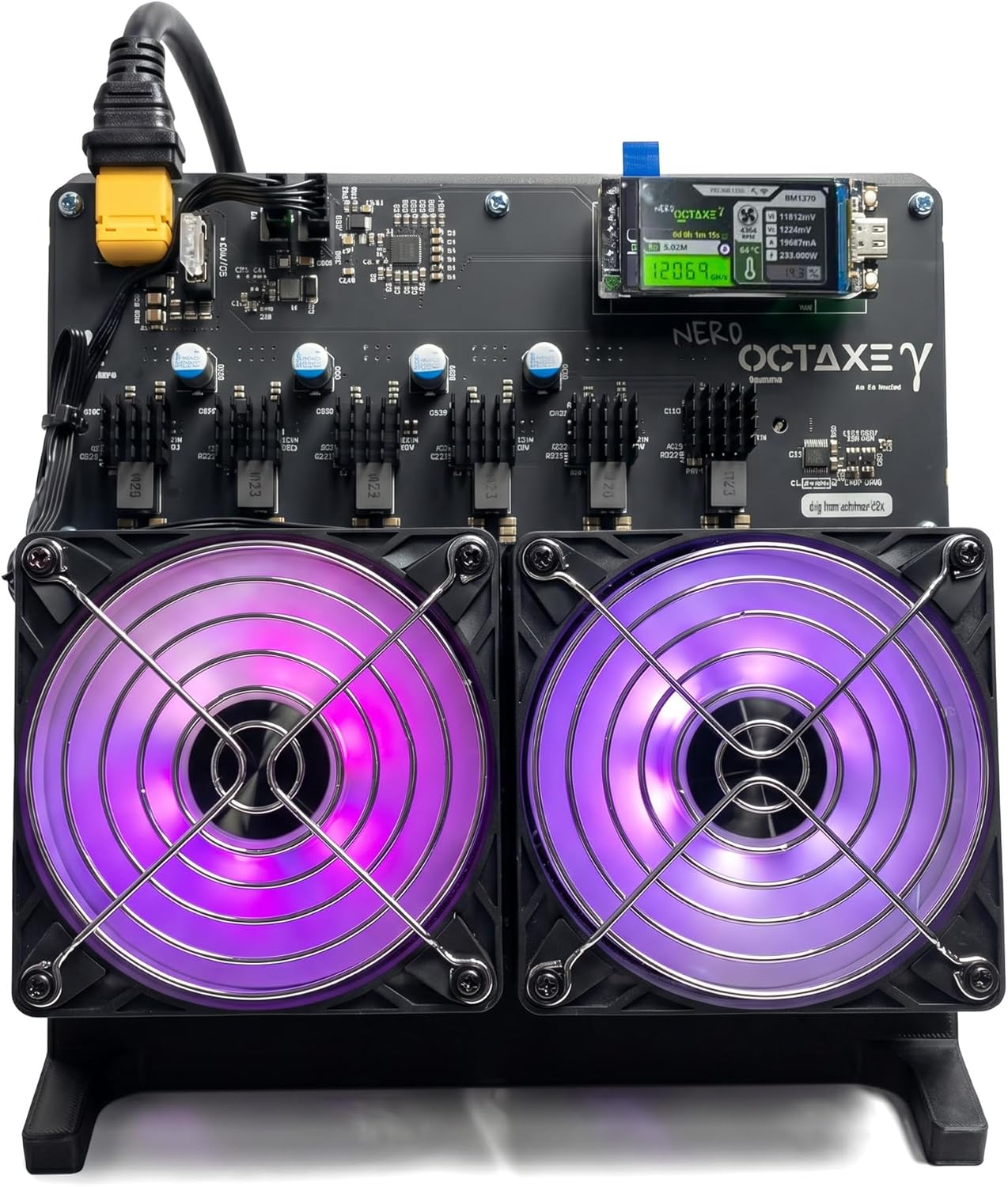
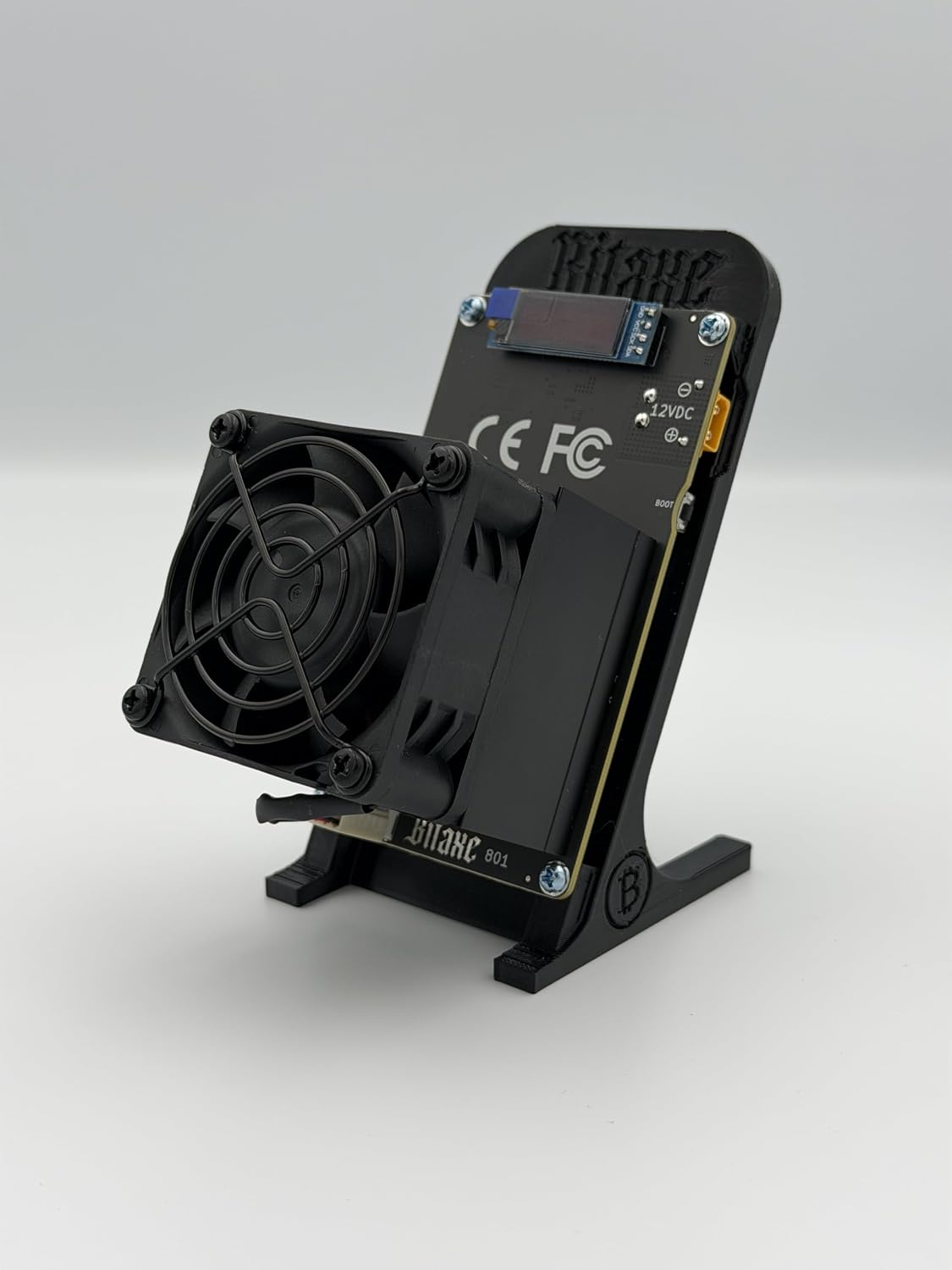
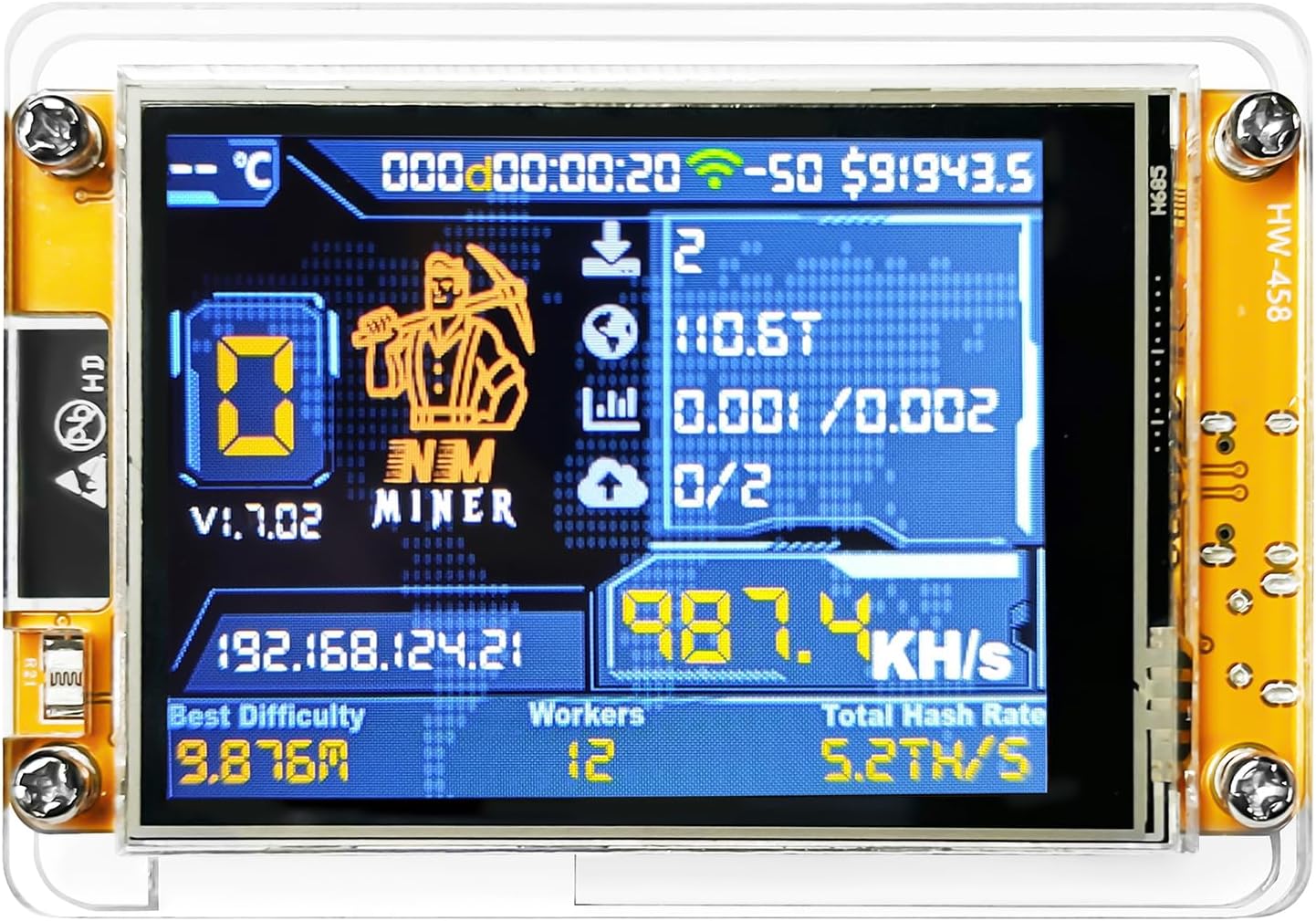
User-Friendly & High Performance: bitcoin miner Ready to use right out of the box with no authorization required. Features deeply optimized algorithm firmware, delivering a maximum hashrate of up to 1060 KH/s for efficient operation.
Interactive Touchscreen Display: Lucky Miner Equipped with an ESP32-D0WD-V3 WiFi MCU and a 2.8-inch touchscreen, providing a clear and comprehensive visual interface for real-time status and data monitoring.
Seamless Connectivity & Control: lottery miner Supports sample programs and development tools, allowing users to operate and customize settings easily via Bluetooth or Wi-Fi.
Standalone Operation: bitcoin lottery miner Works directly over WiFi without the need for an external computer, offering convenient and intuitive monitoring of performance anytime, anywhere.
Versatile Application with High Efficiency: Powered by the ESP32-D0WD-V3 MCU with built-in Wi-Fi and Bluetooth. After software optimization, it achieves an outstanding maximum hashrate of 1060 KH/s, making it ideal for solo mining and a wide range of applications.